
Key takeaways
- Modern SCADA leaves the PLC and control logic at the site and removes the server, the VPN, and the remote access layer in between.
- Operators keep the same visibility, alarms, control, and compliance reports, through a browser or a phone.
- Serverless does not mean the software runs on nothing. It means patching, backups, and hardware refresh stop being the utility’s job.
- A local server still makes sense in some cases, such as sites with no usable cellular coverage.
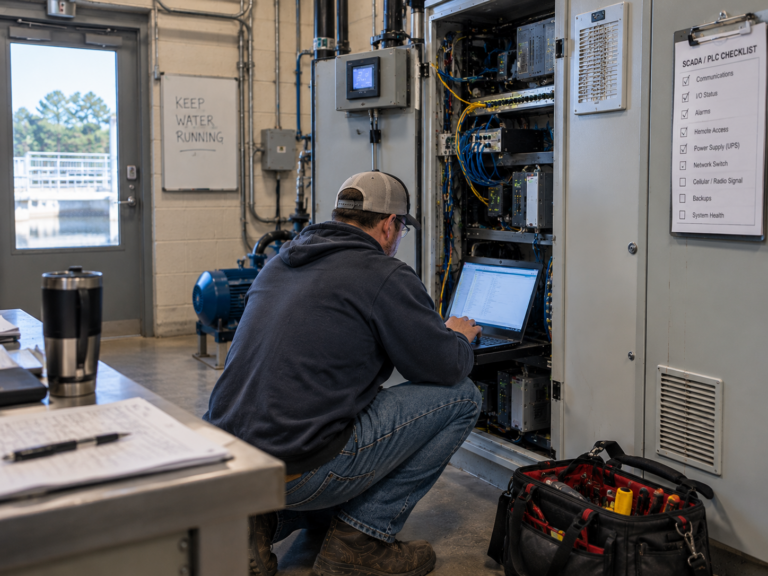
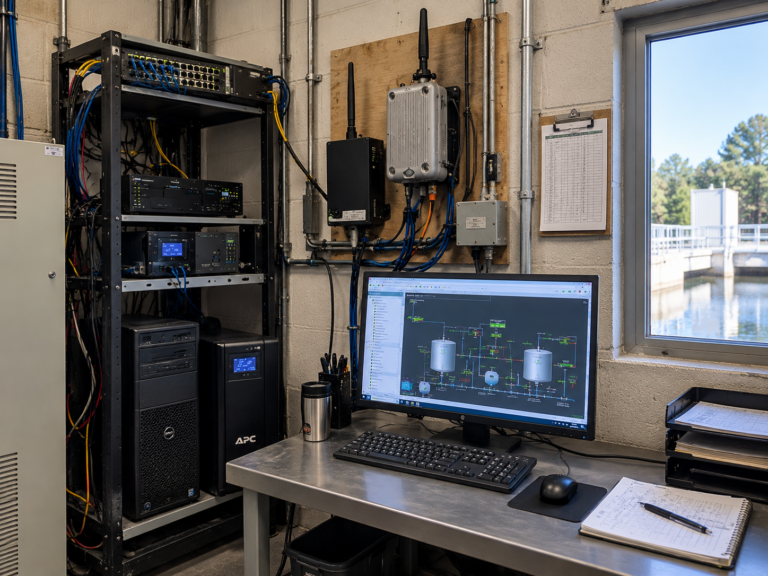
Ask a water operator what a SCADA system looks like, and you will probably get a parts list. A server in a back room. A database. Radios, repeaters, and a VPN. A remote desktop connection that only works from the one laptop it was set up on.
Those pieces have been around so long that they stopped being choices. They became the definition.
Modern SCADA starts somewhere else. It leaves the PLC and the control logic at the site, where they have always been, and removes the server, the VPN, and the remote access layer in between. Operators still get the same visibility, the same alarms, the same control, and the same compliance reports, through a browser or a phone.
Every piece that comes out was also a line on the five-year cost number. So the question worth asking is not what those pieces cost. It is whether they were ever required.
When “That’s How SCADA Works” Is No Longer a Good Enough Answer
Every piece of a traditional SCADA system was put there to solve a real problem.
The server ran the software and stored the history, because that is where software ran. The VPN created a secure path from outside, because there was no other safe way in. Radios and repeaters carried data across distances that nothing else could reach. Remote desktop lets one person see the screen from somewhere else. None of it was a mistake. It was the available answer at the time.
What changes is not whether those pieces once made sense. It is whether the conditions that made them necessary are still in place.
Cellular coverage now reaches sites that used to need a tower and a line of sight. Software runs securely without a machine in the building. Devices can be configured and diagnosed from anywhere. The problems those components solved did not disappear, but they are no longer the only way to solve them.
That distinction matters because familiar and necessary feel identical from the inside. A system that has worked for fifteen years does not announce which of its parts are still earning their place. It just keeps running, and the answer to why it is built that way becomes “that’s how SCADA works.”
What Modern SCADA Takes Out, and What Stays
Modern SCADA is not a smaller version of a traditional system. It is the same job with a shorter parts list.
What comes out
- The on-site server and its operating system, database, and backups
- The VPN and remote desktop layer used to reach the system from outside
- Third-party software licenses that renew on their own schedule
- In many cases, the radios, repeaters, and towers used to reach remote sites
- The hardware refresh that comes due every few years
What stays exactly where it is
- Your PLCs, running the same control logic they run today
- Your instruments, pumps, valves, and existing field wiring
- Full supervisory monitoring and control, not read-only monitoring
- Custom HMI screens built for your plant
- Alarms, historical data, and regulatory compliance reports
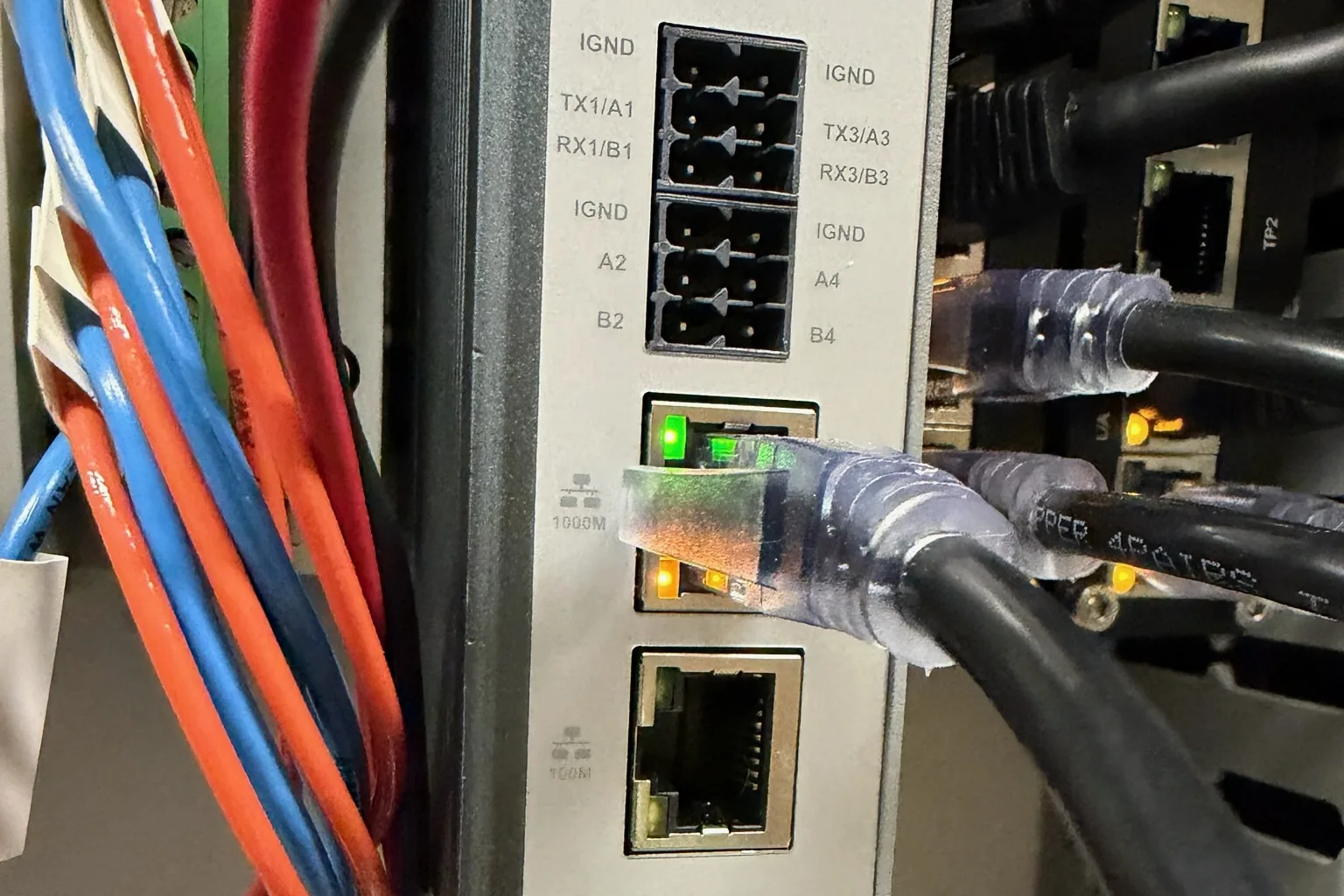
In place of the removed layer, a cellular communication hub connects the PLC to a secure platform. Operators reach it through a browser or a phone app. Nothing is installed in the plant that somebody has to patch, back up, or replace.
The clearest way to see the difference is not a feature list. It is what a normal Tuesday looks like.
What Changes on a Normal Tuesday
None of the differences below are about capability. A traditional system can do every one of these things. The difference is how many steps sit between an operator and the answer.
| Task | Traditional SCADA | Modern SCADA |
|---|---|---|
| Check a tank level from home | Laptop, VPN, remote desktop session | Open the app |
| Get an alarm at 2 a.m. | Autodialer call, drive in to see the screen | Text with the reading in it |
| Acknowledge an alarm | At the HMI, on site | From your phone, logged automatically |
| Change an alarm setpoint | Schedule a visit or call the integrator | Change it in the dashboard |
| Add a new lift station | Extend comms, license the point count, configure | Install a hub at the site, add it to the dashboard |
| Pull a monthly compliance report | Export, reformat, assemble by hand | Generated from data already collected |
| Update the software | Scheduled downtime, patching, testing | Happens on the platform, nothing on site |
Add up a year of those Tuesdays and the difference is not a feature. It is hours, and whose hours they are.
The Suitcase Had a Handle. What It Needed Was Wheels.
For most of the twentieth century, people carried their luggage through airports.
The industry did not stand still. Handles got better. Materials got lighter. Latches improved, seams got stronger, and the bags themselves kept getting easier to carry.
The wheel, meanwhile, had existed for several thousand years.
Eventually someone stopped improving the handle and asked a different question. Not how do we make this easier to carry, but does it have to be carried at all. Today, dragging a wheelless suitcase through a terminal would look absurd.
The breakthrough was not a new technology. Every part already existed. What changed was the question.
Industries get very good at improving the thing they have already decided to build. That is not a flaw, it is how expertise works. Each improvement is real, each one is an advance over the last, and none of them requires anyone to revisit the original premise. Better handles are genuine progress right up until the moment someone attaches wheels.
SCADA has had decades of better handles. Faster processors. More reliable radios. Better redundancy, tighter security, cleaner interfaces. Real engineering, solving real problems, inside an architecture nobody was being asked to reconsider.
Sometimes real innovation does not start by adding another component to an existing system. It starts by asking whether all of them still need to be there.
Do You Need a Server to Run SCADA?
No. A SCADA system needs somewhere to run its software, store history, and serve screens to the people who use it. It does not need that somewhere to be a computer sitting in your plant. The control logic that runs your process stays in the PLC either way.
What the SCADA Server Actually Does
It is worth being specific about the job, because the job is what has to be replaced, not the box.
A traditional SCADA server polls field devices for data, writes that data to a database, runs the alarm engine that decides when something is wrong, hosts the screens operators log into, and manages who is allowed to see and do what.
That is five distinct functions. None of them is control. The PLC handles control, on site, in real time, the same way it did before the server existed and the same way it will if the server is turned off.
What Serverless SCADA Means, and What It Does Not
Serverless does not mean the software runs on nothing. It means the utility no longer owns, houses, patches, backs up, secures, or eventually replaces the machine it runs on.
Those five functions still happen. They happen on a platform maintained by the provider, reached through a browser or a phone instead of a remote desktop session into a specific computer.
The utility stops buying and maintaining infrastructure and starts buying the outcome the infrastructure was there to produce.
The practical difference shows up in who does the work. Patching, backups, security updates, and hardware refresh do not get eliminated. They stop being a water utility’s job.
When a Local Server Still Makes Sense
Not every system should move, and any vendor who says otherwise is selling.
A local server is still the right call when a site has no usable cellular coverage and no path to it, when an organization’s security policy or regulator requires on-premise infrastructure, when a system is large enough and complex enough that the economics genuinely reverse, or when a utility is early in the lifecycle of equipment it already paid for. Replacing a three-year-old system to save on architecture is not a savings.
The useful question is not which architecture is better in the abstract. It is which one does what your utility needs with the least equipment for your staff to keep alive. Operators often ask what happens when a site loses cellular signal, and whether control still works locally. Both are answered in the SCADA FAQs for water and wastewater.
What VoIP Did to the T1 Line
Dave McBride has watched this happen before, in a different industry.
Before founding SimpliScada, he built Mango Voice, a business phone company. That put him in the room while telecom went through its own version of this argument.
A business with several offices used to connect them with dedicated physical circuits, T1 lines leased from the phone company. If you wanted the Salt Lake office and the Denver office on one phone system, you paid for a line between them. The circuit was the system. Everything else plugged into it.
When Voice over IP arrived, customers did not ask whether it worked. They asked a more specific question, and it was a reasonable one: how can a call move between these two buildings if there is no line connecting them?
Inside the old architecture, that question has no answer. The line was the mechanism. Remove it and there is nothing left to carry the call.
But the new architecture had changed the premise. The call no longer traveled a dedicated path between two buildings. A phone could sit in an office, a warehouse, or a kitchen table three states away and still be an extension on the same system. The constraint people had treated as a fact about telephones turned out to be a fact about T1 lines.
Nobody was wrong about how phone systems worked. They were describing the architecture they had, accurately, right up until it was no longer the only one.
The questions coming at SCADA now have the same shape. If there is no server in the building, where does the data go. If there is no VPN, how does anyone get in securely. If there is no remote desktop session, what is the operator actually looking at.
Every one of those questions is worth answering, and a vendor who waves them off is not worth listening to. But it is worth noticing what they have in common. Each one takes a component from the existing architecture and asks how the system works without it, rather than asking what the system needs to accomplish and what it takes to get there.
That is the difference between asking how to replace a line and asking how to connect a call.
Why Is a Truck Roll Still the First Step?
Something stops talking. A site drops off the dashboard, a reading goes flat, an alarm comes in that does not match what the numbers say.
In a lot of utilities, the next move is the same one it has been for twenty years. Somebody gets in a truck.
But driving out to find out what is wrong is a different thing from driving out to fix it. A trip to repair something is maintenance. A trip to diagnose something is a question the system could not answer on its own.
That distinction matters most for the utilities that can least afford to lose the time. A small water system may have one or two operators covering several sites spread across a county. Every trip to check on something is time not spent on the work that actually keeps water running, and the trip happens whether or not there was anything to find.
What Still Needs a Truck
Plenty, and that is not going to change.
A failed pump does not repair itself. A snapped antenna does not stand back up. Lightning takes out equipment, valves seize, and sensors drift out of calibration. Physical problems need physical people, and no architecture changes that.
The goal was never to eliminate field work. It was to stop spending field trips on questions.
What Can Be Handled Without a Drive
Most other technology industries settled this years ago. Configuration, diagnostics, and software updates happen remotely by default, and a site visit is what happens when remote cannot resolve it, not what happens first.
Applied to SCADA, that means:
- Reading whether a site is actually offline or just reporting a bad value
- Changing an alarm setpoint or notification list
- Pushing software updates without scheduling plant downtime
- Adding or adjusting a screen an operator needs
- Confirming whether a problem is in the field or in the configuration before anyone leaves
None of that removes field service. It changes what a technician knows before they get in the truck, which usually changes whether the trip was needed at all.
What Makes a SCADA System “Real”?
A real SCADA system is one that does the job. Operators can see what is happening across every site, get alerted when something goes wrong, act on it, pull the records a regulator asks for, and trust that only the right people can touch it. A system that does those things is a SCADA system. A system that does not is not, no matter what it is built out of.
That sounds obvious written down. It is not how systems usually get evaluated.
The more common test is whether a system looks like the last one. Does it have a server. Does remote access work the way remote access has always worked. Does it come with the familiar stack of components. Those questions feel like due diligence, but they measure resemblance, not performance.
Here is the harder version, and it is short:
-
Can operators see the whole system, from anywhere they need to?
-
Do alarms reach the right person fast enough to matter?
-
Can authorized people take action, not just watch?
-
Does the data hold up when a regulator asks for it?
-
Is access controlled, logged, and limited to who should have it?
-
Can the utility keep it running without becoming an IT department?
Any architecture that answers yes to all six is doing the job. Any architecture that answers no to one of them has a problem, and having a server in the building does not fix it.
Sometimes Modernization Means Removing Something
Modernization usually arrives as an addition. Another application, another server, another security layer, another tool to manage the tools already running.
But every component you add is a component somebody maintains, patches, secures, and eventually replaces. Subtraction counts as progress too, and in a small utility it often counts for more.
Take security. In December 2024, CISA and the EPA issued a joint fact sheet after pro-Russia hacktivists manipulated internet-exposed operator interfaces at water systems, maxing out setpoints, disabling alarms, and changing passwords. The first mitigation on the list was not a new product. It was to find internet-exposed interfaces and disconnect them from the public internet.
That is the pattern. A component that exists is a component that has to be defended. A remote desktop path opened so someone could check a tank from home is a door, and it stays a door on the nights nobody is thinking about it. Removing it removes the thing that had to be protected.
The same logic runs through the rest of it. Fewer servers means fewer operating systems to patch. Fewer licenses means fewer renewals to track. Fewer field devices means fewer things to drive out to. None of that is glamorous, and all of it is time returned to people who did not have spare time to begin with.
None of this means traditional SCADA was designed wrong. The architecture utilities run today were reasonable answers to the technical realities of the moment they were built, and the engineers who built them were solving real problems with the tools available.
The question worth asking now is not whether those answers were right. It is whether the conditions that made them necessary are still here.
“That is how we have always done it” explains how an industry arrived somewhere. It does not say anything about where it should go next.
Frequently Asked Questions About Modern SCADA
What is modern SCADA?
Modern SCADA does the same job as a traditional system without the on-site infrastructure. The PLC and control logic stay at the site. The server, VPN, and remote desktop layer come out, and operators reach the system through a browser or a phone app instead. Monitoring, supervisory control, custom HMI screens, alarms, and compliance reporting all stay.
Do you need a server to run SCADA?
No. A SCADA system needs somewhere to run its software, store history, and serve screens. That somewhere does not have to be a computer in your plant. Control logic runs in the PLC either way, so the process keeps running whether or not a server is involved.
What does serverless SCADA mean?
It means the utility no longer owns, houses, patches, secures, or replaces the machine the software runs on. Those functions still happen, just on a platform maintained by the provider. The work does not disappear. It stops being a water utility’s job.
Can a SCADA system be diagnosed and updated without a site visit?
Yes, for most configuration and software issues. Checking whether a site is truly offline, changing an alarm setpoint, updating software, and adjusting an operator screen can all happen remotely. Physical failures still need a technician. The difference is knowing which one you have before anyone drives out.
Is SCADA without a local server still secure?
Security depends on how a system is designed, not on where the software runs. Removing internet-exposed interfaces and remote desktop paths eliminates entry points that have to be defended. In December 2024, CISA and the EPA advised water systems to identify internet-exposed operator interfaces and disconnect them from the public internet.
Is modern SCADA a fit for a small water system?
Often, yes, and that is who it tends to fit best. Small systems carry the same monitoring and reporting obligations as large ones with a fraction of the staff. A system with no server to maintain removes work that a one or two person operation was absorbing on top of running the plant. It is not the right answer everywhere. Sites without usable cellular coverage, organizations with on-premise security requirements, and utilities early in the life of equipment they already bought are all real exceptions.