
SimpliScada Videos: Cloud SCADA Demos & Tutorials
Watch cloud SCADA software demos, SCADA tutorials and how-to videos from the SimpliScada team. Learn to connect a PLC to the cloud, build HMIs with drag and drop, set up SCADA alarms and alerts, and automate compliance reports for water, wastewater and oil & gas.
Simpli Explained
Short videos that explain cloud SCADA, remote monitoring and SCADA security in plain terms. New episodes of the series are added here first.
Watch the playlist on YouTube-
Simpli Explained
Simpli Explained: “I Don’t Trust the Cloud”
-
Simpli Explained
Simpli Explained: What’s the Biggest Cloud Myth?
All SimpliScada videos
Every SimpliScada product demo and SCADA tutorial from our YouTube channel. Filter by type, search by topic, and play any video right here.
-
Simpli Explained
Simpli Explained: “I Don’t Trust the Cloud”
Part of Simpli Explained, the SimpliScada series that breaks down cloud SCADA concepts for water and wastewater operators in a few minutes, without the jargon.
-
Simpli Explained
Simpli Explained: What’s the Biggest Cloud Myth?
Part of Simpli Explained, the SimpliScada series that breaks down cloud SCADA concepts for water and wastewater operators in a few minutes, without the jargon.
-
Cloud SCADA demo
Simpliscada Overview – End to End Cloud SCADA Solution
Watch this SimpliScada cloud SCADA software demo to see operators monitor remote sites, review alarms and trends, and build reports from a browser or phone with no VPN or local server.
-
Cloud SCADA demo
Dynamic Graphs
Watch this SimpliScada cloud SCADA software demo to see operators monitor remote sites, review alarms and trends, and build reports from a browser or phone with no VPN or local server.
-
Cloud SCADA demo
Scada Design Studio Overview
Watch this SimpliScada cloud SCADA software demo to see operators monitor remote sites, review alarms and trends, and build reports from a browser or phone with no VPN or local server.
-
Cloud SCADA demo
Site Reports Overview
Watch this SimpliScada cloud SCADA software demo to see operators monitor remote sites, review alarms and trends, and build reports from a browser or phone with no VPN or local server.
-
Cloud SCADA demo
Reports – Trending and Zooming
Watch this SimpliScada cloud SCADA software demo to see operators monitor remote sites, review alarms and trends, and build reports from a browser or phone with no VPN or local server.
-
SCADA tutorial
Design Studio – Formulas and Formats
Follow this step-by-step SimpliScada SCADA tutorial to configure your cloud SCADA system, from connecting a PLC with the SimpliLink Hub to setting up HMIs, alerts and reports.
-
SCADA tutorial
Alerts Overview
Follow this step-by-step SimpliScada SCADA tutorial to configure your cloud SCADA system, from connecting a PLC with the SimpliLink Hub to setting up HMIs, alerts and reports.
-
SCADA tutorial
Scada Callouts – Notifications
Follow this step-by-step SimpliScada SCADA tutorial to configure your cloud SCADA system, from connecting a PLC with the SimpliLink Hub to setting up HMIs, alerts and reports.
-
SCADA tutorial
Simpliscada Overview – Mobile App Overview
Follow this step-by-step SimpliScada SCADA tutorial to configure your cloud SCADA system, from connecting a PLC with the SimpliLink Hub to setting up HMIs, alerts and reports.
-
SCADA tutorial
Mobile App – Site reports
Follow this step-by-step SimpliScada SCADA tutorial to configure your cloud SCADA system, from connecting a PLC with the SimpliLink Hub to setting up HMIs, alerts and reports.
The SCADA podcast for water & wastewater operators
Straight conversations about cloud SCADA, SCADA system cost, cybersecurity and remote monitoring for small utilities. Listen on YouTube or your favourite podcast app.

SCADA guides & insights from the blog
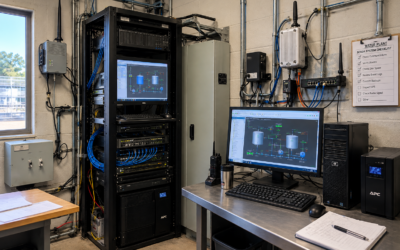
How Much Does a SCADA System Cost? The Real 5 Year Math
The proposal price is not what a SCADA system costs to own. See the servers, licensing, IT support and staff hours behind the quote, plus a 7 point five year cost checklist.
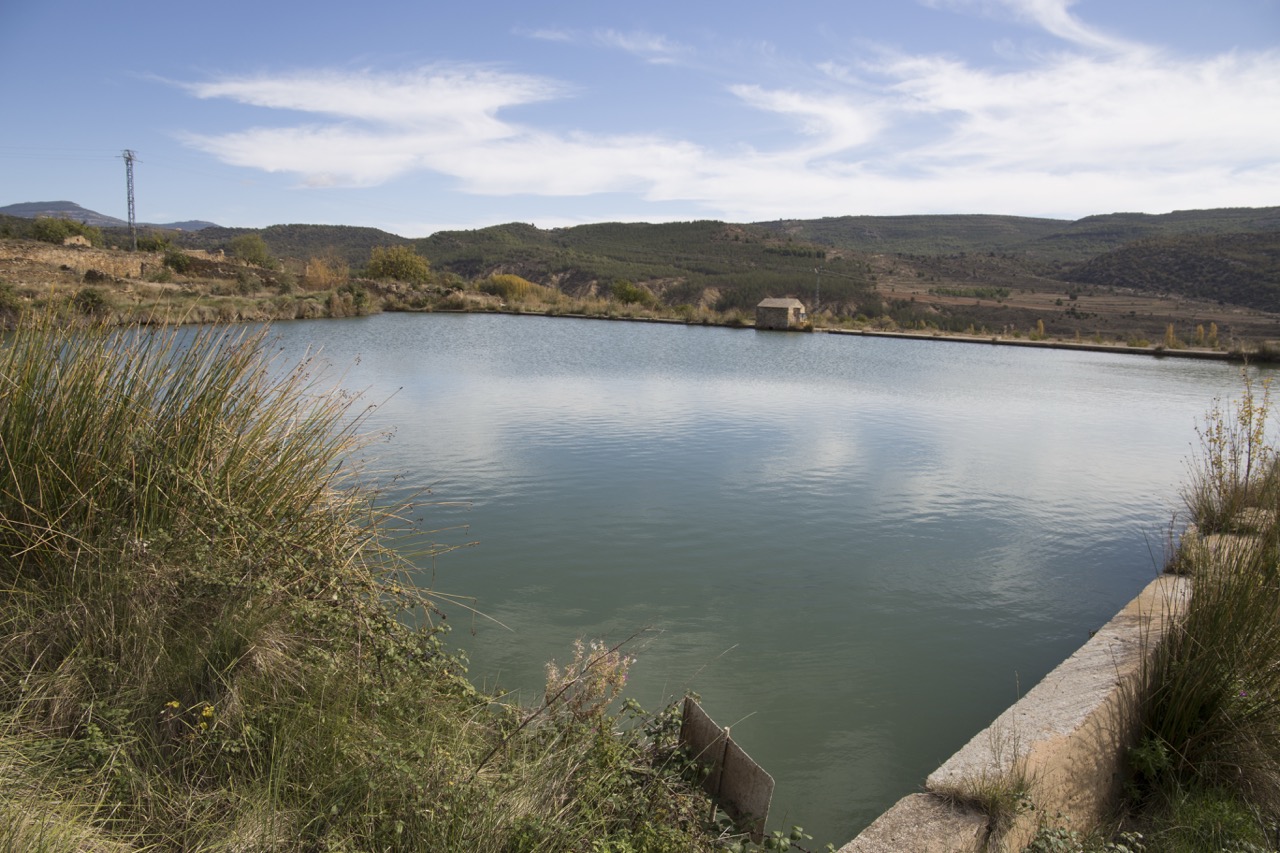
How Neola Water District Streamlined Operations with SimpliScada
How a rural water district moved to cost-effective cloud SCADA and remote monitoring, with responsive support and a system operators actually enjoy using.
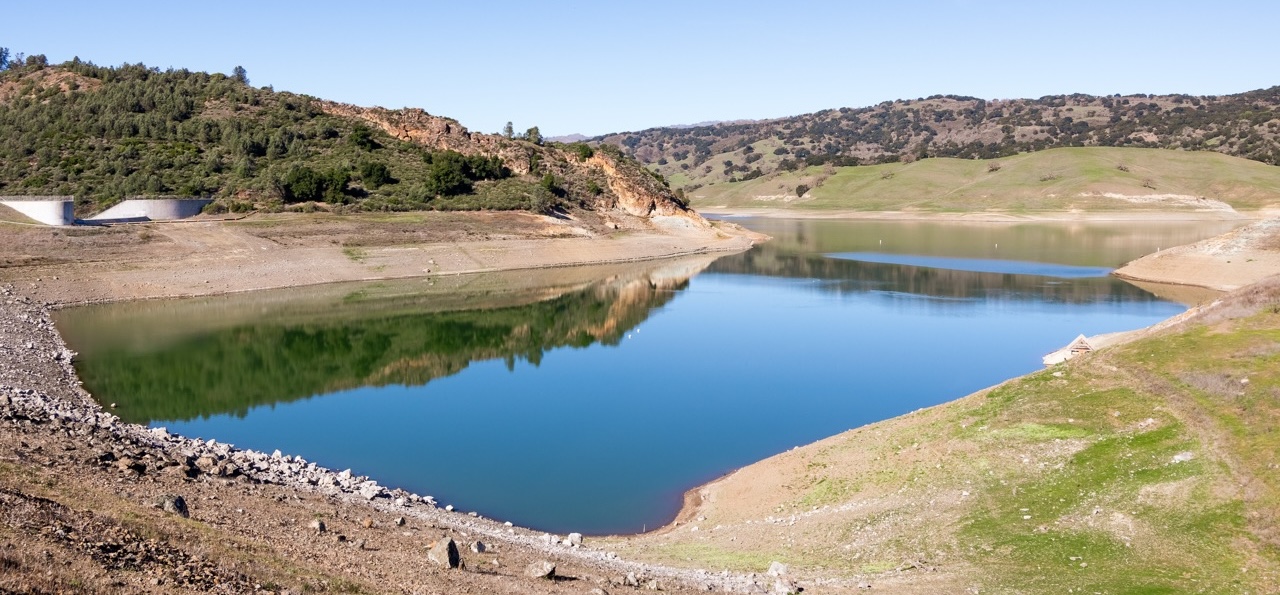
Top 5 Benefits of Using SCADA for Water Systems
Real-time water monitoring, instant mobile alerts, automated compliance and drag and drop dashboards, and why cloud SCADA is now within reach for small systems.
Everything cloud SCADA, in one place
Guides, briefs and industry pages that go deeper than a video can.
Cloud SCADA software
Water & wastewater
SCADA cybersecurity
SimpliScada videos & cloud SCADA FAQs
Quick answers about SimpliScada videos, cloud SCADA software and SCADA tutorials.
What are SimpliScada videos?
SimpliScada videos are product demos and SCADA tutorials published by SimpliScada on YouTube. They show how the cloud SCADA platform connects PLCs, builds HMIs, sends alerts and creates reports.
Where can I watch SimpliScada cloud SCADA demos?
You can watch every SimpliScada cloud SCADA demo on this page or on the SimpliScada YouTube channel at youtube.com/@SimpliScada.
What is cloud SCADA software?
Cloud SCADA software runs supervisory control and data acquisition in a secure cloud instead of on local servers. Operators monitor, control and receive alerts for remote sites from web and mobile apps.
How do you connect a PLC to the cloud with SimpliScada?
SimpliScada connects a PLC to the cloud through its Plug n Play on-site communication link. It talks directly to the controller using most common protocols, with no programming, VPN or third-party software like Kepware or Autosol.
How do you build a SCADA HMI in SimpliScada?
You build a SCADA HMI in SimpliScada with the drag and drop design studio. Add tanks, pumps and live tags to a screen, then share the design with your team.
How do SCADA alarms and alerts work in SimpliScada?
SimpliScada sends real-time SCADA alerts by text and email. Operators acknowledge and resolve alerts from a phone or computer, so the team can see when an alarm has been handled.
Do you need a VPN for cloud SCADA?
No. SimpliScada is an end-to-end cloud SCADA solution that removes the need for VPNs, remote desktop, servers and data backups.
How much does SimpliScada cost?
SimpliScada offers a complete cloud SCADA system for as little as $5,000, compared with $80,000 to $150,000 for many traditional SCADA systems. A 90 day free trial is available.
See SimpliScada working on your own PLC
Our engineers build an HMI with 10 of your tags so you can evaluate cloud SCADA on real assets. No VPN, servers or third-party software.
Never miss a new SCADA tutorial
Subscribe to the SimpliScada channel for new cloud SCADA demos, setup guides and feature walkthroughs.