
- Small water systems need the same SCADA capabilities as large ones. What they’re short on is the staff to keep servers, VPNs, and radios running.
- Traditional SCADA ties those capabilities to infrastructure that someone has to maintain. At a small utility, that someone is usually the operator.
- The fix is to keep the full capability (monitoring, alarms, control, and compliance reports) and remove the upkeep, so operators get their time back.
Small utilities don’t have small responsibilities. Water still has to be treated correctly, and wastewater still has to meet its permit. Pumps, tanks, and lift stations still have to run. Alarms still matter at 2 a.m., and the state still expects its reports on time. A smaller customer base doesn’t make any of that optional.
That describes most of the country’s water. According to the EPA, more than 97 percent of the nation’s roughly 156,000 public water systems serve 10,000 people or fewer. Plenty of them run with one or two operators who cover the plant, the remote sites, the paperwork, and whatever breaks in between.
97%+
of the nation’s roughly 156,000 public water systems serve 10,000 people or fewer Source: EPA
So the real question about SCADA for small water systems isn’t how much capability a small utility can get by without. It’s how much of the work around that capability it should have to carry. Small systems don’t need less SCADA. They need less SCADA overhead.
What Does a Small Water System Need From SCADA?
A small water system needs the same core SCADA capabilities as a large utility. Operators need to:
- See every site in real time
- Get alarms that reach the right person fast
- Take action when something goes wrong
- Keep historical data
- Produce the compliance reports their regulator asks for
The size of the system changes the number of sites and data points. It doesn’t change the job.
What small utilities usually have less of is something else: people.
At a large utility, the work around SCADA gets spread across a bench of specialists. At a small utility, the same tasks land on whoever is on shift, and that’s often the same person every time. Here’s how the same job looks with a deep bench versus a short one.
| Task | At a Larger Utility | At a Small Utility |
|---|---|---|
| An alarm comes in at 2 a.m. | An on-call rotation, sometimes a staffed control room | The operator on call, often the same person most nights |
| A remote site stops reporting | IT or controls staff troubleshoot the communications | The operator, until it’s time to call the integrator |
| Software and security updates | IT schedules, tests, and installs patches | The operator or an outside contractor, when there’s time |
| The monthly compliance report | Compliance or engineering staff | The operator, often assembled by hand |
| A new trend or screen is needed | An in-house controls engineer | A call to the integrator, then a wait |
| The server or PC fails | IT replaces it | The operator finds out first, then makes the calls |
When the Operator Becomes the IT Department
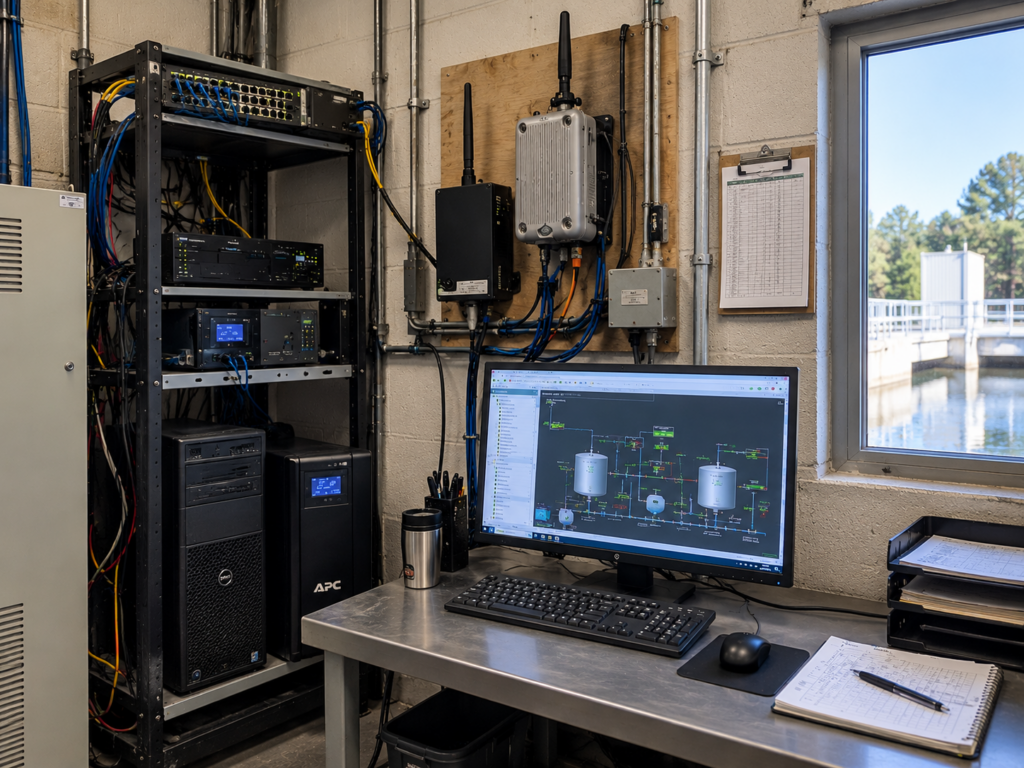
Picture a communications problem at a remote lift station. The readings go flat, or the site drops off the screen entirely. Somebody has to figure out why. Is it the radio? The server? The VPN? A setting nobody has touched in three years?
At a small utility, that somebody is usually the operator. The U.S. Bureau of Labor Statistics notes that in a small plant, one operator may be responsible for maintaining all of the systems. Operators at small plants also typically work days and stay on call nights and weekends. That’s the job description before anyone adds a server to it.
These problems matter, because SCADA has to work. But troubleshooting IT infrastructure isn’t what that operator was hired to do, and it isn’t where their knowledge is most valuable. Dave McBride, co-founder of SimpliScada, puts it simply:
Dave McBride, co-founder of SimpliScada
Operators want to spend their time in their plants.
Every hour spent as an unofficial IT technician is an hour taken away from the water itself. That means checking chemical feed, watching trends, and catching a pump that sounds wrong before it fails. A large organization can hand that hour to a dedicated IT or controls team. A small utility often has no other department to call.
Paying for 100 Percent to Use 2 Percent
Traditional SCADA infrastructure comes in fixed sizes, and the smallest size is usually far bigger than a small system needs.
A small utility running a conventional setup may genuinely need a server, an alarm messaging service, and a remote access tool. The trouble is that each one is sold whole. A server doesn’t shrink to fit a system with six sites. A messaging service built for heavy traffic doesn’t get cheaper because a small utility sends a few alerts a month. The utility ends up owning 100 percent of the capacity in order to use maybe 2 percent of it.
100%
of the capacity the utility owns, powers, patches and replaces
~2%
of that capacity a small system may actually use
Nobody bought the wrong equipment. One hundred percent was simply the smallest amount for sale.
And the unused 98 percent isn’t free to keep. A server running at 2 percent still needs the same patches, backups, and replacement schedule as one running flat out. Licenses still renew on their own calendar. Someone still has to keep all of it alive, and at a small utility, you already know who that is.
The dollar side of this has its own breakdown: the real five-year cost of a SCADA system.
Remote Access Shouldn’t Feel Like an Expedition
The overhead shows up most clearly after hours.
An alarm comes in while the operator is driving home, sitting at a kid’s ball game, or asleep. The question is simple: does this need attention right now? With a traditional remote access setup, getting the answer takes a string of steps:
-
Find a safe place to pull over.
-
Open the laptop and connect to a hotspot.
-
Start the VPN.
-
Open the remote desktop session.
-
Log into the SCADA system.
-
Find the screen with the tank level or pump status in question.
None of those steps is hard on its own. Stack them together on the shoulder of a county road at night, and the friction is obvious. So is the temptation to put the check off until morning.
Compare that with how the rest of daily life works now: open the phone, sign in securely, see the information. When SCADA works the same way, the alert shows up on the phone with the details attached. The operator can acknowledge it right there, without driving in to stand in front of a screen. (For how that works without a VPN in the middle, see remote SCADA access without a VPN.)
The operator isn’t asking for less information. The operator is asking for less effort to reach it.
remote access from your phone
Subscribe on YouTube (opens in a new tab)
Simpliscada Mobile App Overview
More VideosSee how an operator checks every site, acknowledges alarms and pulls up reports from the SimpliScada mobile app, without a VPN or a drive to the plant.
What “Doing More With Less” Should Actually Mean
The water sector has talked about doing more with less for years. In practice, it usually means fewer people absorbing more work.
The water operator shortage is making that squeeze worse. The EPA, citing Brookings Institution research, reports that 30 to 50 percent of the water sector workforce will be eligible to retire within the next 5 to 10 years. The Bureau of Labor Statistics estimates that about 10,000 operator positions need to be filled each year as people retire or leave the field. For a utility with two operators, one retirement is half the staff, along with years of knowledge about how the system actually runs.
30–50%
of the water sector workforce eligible to retire within 5 to 10 years Source: Source: EPA, citing Brookings
~10,000
operator positions to fill each year Source: Source: Bureau of Labor Statistics
Hiring alone won’t close that gap. Technology has to carry some of the weight, which means taking tasks off the operator’s plate instead of adding new ones. Doing more with less should look like this:
- Less time troubleshooting communications
- Less time maintaining servers, software, and licenses
- Fewer steps to check on a site from anywhere
- Less waiting on an engineer for routine reports
That’s a very different definition of efficiency. Instead of squeezing more out of fewer people, it stops handing them work that never needed to be theirs.
Can Operators Pull Reports Without Calling an Engineer?
They should be able to. SCADA data is only worth something if the people running the plant can actually use it.
In a lot of small systems, getting a new trend or a different report still means calling the engineer or integrator who built the system, explaining what’s needed, and waiting. That’s fine for a once-a-year project. It doesn’t work for an operator who wants to see how chlorine residual tracked against flow over the past week, or who needs a turbidity summary pulled together before the state’s deadline.
If the data is already in the system, an authorized user should be able to find it, organize it, and build the view they need without opening a support ticket. That’s the thinking behind SimpliScada’s drag-and-drop report and dashboard builder. The operator who knows what question to ask is the one who gets to ask it.
For a short-staffed utility, faster paperwork is only part of the payoff. The bigger win is operators who can look at their own data, spot a pattern early, and make a better call about how to run the plant.
The capability isn’t being reduced. The friction around it is.
Small Doesn’t Mean Unsophisticated
This is where conversations about SCADA for small utilities tend to go wrong.
“Affordable” shouldn’t have to mean stripped down. “Simple” shouldn’t mean basic. And “small utility” shouldn’t imply that its operators need less visibility, less reliability, or less control than their counterparts at a large system. A small plant still treats water to the same standards, so it deserves the same tools.
The better goal is to separate capability from complexity. The two have been bundled together for so long that they’re easy to mistake for the same thing, but they aren’t.
Capabilities:
- Full monitoring
- Real supervisory control
- Custom screens
- Alarms
- Compliance reporting
Complexity:
- The server closet
- The VPN
- The patch schedule
A small system needs all of the first list and as little of the second as it can get away with.
That leads to better questions to ask of any SCADA system:
-
Can the operator get the monitoring, alerts, reports, trends, and control the system requires without also taking on infrastructure and IT work?
-
Does the technology scale to the utility, or does the utility have to scale to the technology?
-
Does the system make the operator’s day easier, or does it hand them one more thing to maintain?
Those are the questions behind SimpliScada’s approach to SCADA for municipal water systems. It works with the PLCs a utility already has and keeps full supervisory control in the operator’s hands, without a server to keep running.
SCADA for Small Water Systems: Common Questions
What counts as a small water system?
The EPA defines a small water system as one that serves 10,000 people or fewer. A system counts as a public water system once it regularly serves at least 25 people or 15 service connections. Some states and funding programs set their own size cutoffs, so check the definition a specific program uses before applying.
Do small water systems need SCADA?
Not always by law, but most benefit from it. SCADA lets one or two operators watch every tank, well, and lift station without driving to each one, get alerted when something fails, and keep the data their regulator expects. For small and rural water systems spread across miles of county road, that visibility often matters more than it does at a large utility with people on site around the clock.
Can small utilities use federal funding for SCADA upgrades?
Often, yes, though it depends on the state. The Drinking Water State Revolving Fund requires states to make at least 15 percent of their funds available to systems serving 10,000 or fewer people, and the Bipartisan Infrastructure Law added billions of dollars to those funds. Whether a SCADA project qualifies is up to each state’s program, so start with your state SRF office.
What should a small utility ask a SCADA vendor before buying?
Ask what the system costs over five years, not just at installation, and who is responsible for servers, updates, and backups. Ask whether it works with the PLCs already in place, how alarms reach operators after hours, and what happens if a site loses its connection. SimpliScada’s SCADA FAQs for water and wastewater operators cover that last question in detail.
Do small utilities still need a systems integrator?
In many cases, yes. Integrators design control panels, program PLCs, and handle the field work no software replaces. What changes with a serverless setup is the layer above that: no server to build, no VPN to configure, and no remote desktop to maintain. That frees the integrator to focus on the control work utilities actually hire them for.